This guide will work on any Phone, Tablet, or set-top box running the Android OS.
Step 1 – Open the Google PlayStore and search for Kodi
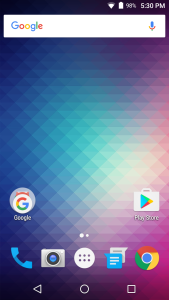
Step 2 – Select Install

Step 3 – Select Accept

Step 4 – The app will download and install automatically

After it has installed, you are all set! You can proceed to launch Kodi.

Like & Subscribe!


After removing a skin I didn’t like on my kodi installation Nexus 10 android tablet, I am now unable to add from zip files on my new kodi download. I have lost all my previous video addons. I don’t recall the name of the skin I removed. Hope you can help.
The default skin is Confluence. Try installing or applying that one and see if it shows up again.